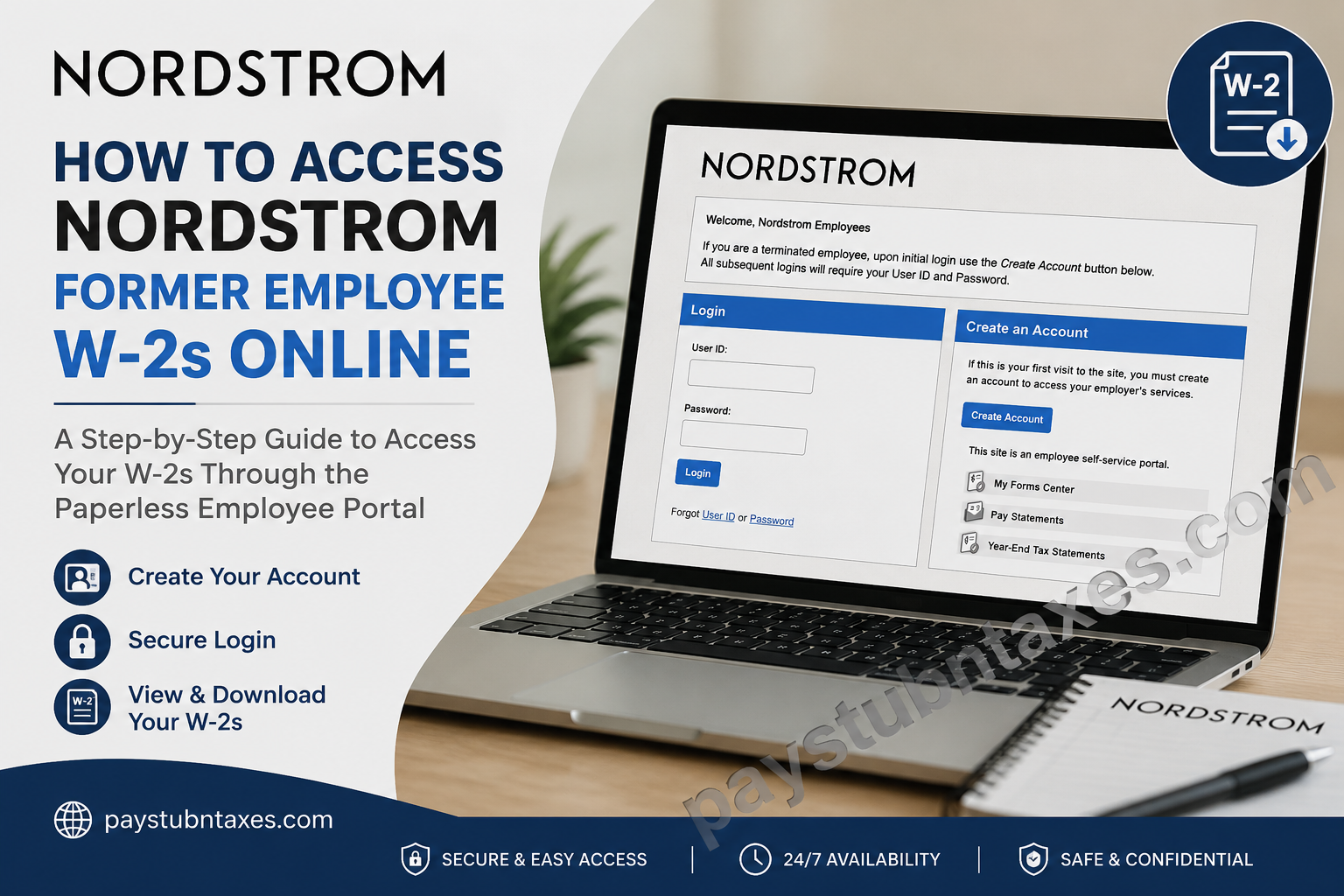
If you are a former Nordstrom employee looking for your W-2 tax form, you can conveniently retrieve it online through the Nordstrom Paperless Employee portal. The platform allows eligible former associates to securely access electronic tax documents, manage notification preferences, and download prior-year W-2 forms without contacting payroll. Whether you recently left the company or separated years ago, this guide explains everything you need to know about creating your account, logging in, recovering forgotten credentials, and downloading your W-2 online.
About Nordstrom
Founded in 1901 as a small Seattle shoe store, Nordstrom has evolved into one of America’s most respected fashion retailers. Today, the company operates hundreds of Nordstrom and Nordstrom Rack locations while serving millions of customers through its stores and digital platforms. Throughout its history, Nordstrom has remained committed to exceptional customer service, innovation, and employee development.
The company’s culture revolves around five guiding principles:
- Customer Obsessed
- Owners at Heart
- Curious and Ever Changing
- Here to Win
- We Extend Ourselves
These values encourage employees to deliver outstanding service while fostering an environment built on collaboration, creativity, respect, and continuous improvement.
Can Former Nordstrom Employees Access Their W-2 Online?
Yes. Former Nordstrom employees can access their electronic W-2 tax statements through the Nordstrom Paperless Employee portal.
If this is your first visit after leaving the company, you must first create your online account. After registration, future logins require only your User ID and password.
The portal provides secure access to:
- W-2 tax forms
- Year-end tax statements
- Electronic tax document preferences
- Account notification settings
Nordstrom Paperless Employee Portal
Portal: https://www.paperlessemployee.com/nordstrominc
If you are logging in for the first time as a terminated employee, select Create Account instead of attempting to sign in.
How to Create Your Nordstrom Paperless Employee Account
Follow these steps to register your account.
Step 1: Visit the Portal
Open: https://www.paperlessemployee.com/nordstrominc
Click Create Account.
Step 2: Verify Your Identity
You’ll be asked to provide:
- Social Security Number
- Date of Birth
Complete the CAPTCHA verification before continuing.
If your identity cannot be verified, your employment records may contain outdated information. In that case, contact Nordstrom so your personal information can be updated before attempting registration again.
Step 3: Create Login Credentials
Enter:
- First Name
- Middle Name (optional)
- Last Name
- Preferred User ID
- Strong Password
Choose a password that satisfies the security requirements displayed on the screen.
Step 4: Verify Your Identity
Choose one verification method:
- Email verification
- Text message
- Automated phone call
Enter the one-time verification code to continue.
Step 5: Configure Security Questions
Select and answer three security questions.
These questions will later help you recover your account if you forget your password.
Step 6: Verify Your Email Address
Add your:
- Email address
- Phone number (optional)
Verify each method using the codes sent to you.
Step 7: Choose Electronic W-2 Delivery
Before completing registration, you’ll decide how you’d like to receive future tax statements.
Choose:
- Yes — Receive electronic W-2s
- No — Receive paper copies by mail
To receive electronic tax forms for a tax year, electronic delivery must be selected before December 31 of that year.
How to Log In
Once your account has been created:
- Visit the Paperless Employee portal.
- Enter your User ID.
- Enter your Password.
- Select Login.
After signing in, choose Year-End Tax Statements to view available W-2 forms.
How to Download Your Nordstrom W-2
Once logged in:
- Open Year-End Tax Statements
- Select the appropriate tax year.
- Click the W-2 form.
- Review your information.
- Download the PDF.
- Print or save a digital copy for your records.
Forgot Your User ID?
If you cannot remember your User ID:
- Click Forgot User ID.
- Enter:
- Social Security Number
- Date of Birth
- Complete verification.
- Your User ID will be displayed.
- Return to the login page.
Forgot Your Password?
If you’ve forgotten your password:
- Select Forgot Password.
- Enter your User ID.
- Complete CAPTCHA verification.
- Verify your identity using:
- Security questions, or
- Verification code
- Create a new password.
- Return to the login page.
Unable to Create an Account?
Registration may fail if your employment records do not match the information entered.
Common causes include:
- Incorrect Social Security Number
- Incorrect date of birth
- Outdated email address
- Incorrect mobile phone number
If this occurs, contact Nordstrom for assistance. After your records have been updated, wait approximately 2–3 business days before attempting registration again.
Benefits of Electronic W-2 Delivery
Choosing electronic delivery provides several advantages:
- Faster access to tax documents
- Secure online storage
- Immediate download availability
- Reduced paper waste
- Convenient access from anywhere
- No waiting for postal delivery
Nordstrom Former Employee Support
If you experience difficulties accessing your account or retrieving your W-2, contact:
Nordstrom Benefits Center
Phone: 1-844-487-5595
Hours: Monday–Friday
7:00 a.m. – 9:00 p.m. Central Time
Conclusion
Nordstrom has simplified post-employment access to tax documents by offering former associates a secure Paperless Employee portal for managing W-2 forms online. Once your account is established, you can conveniently view, download, and print year-end tax statements whenever they become available. If you encounter registration or login issues, the portal includes comprehensive recovery tools, while the Nordstrom Benefits Center is available to help resolve more complex account problems. By opting for electronic delivery and keeping your contact information current, you can ensure timely, secure, and hassle-free access to your tax documents every year.
Frequently Asked Questions
1. How do former Nordstrom employees get their W-2 online?
Former employees can retrieve their W-2 by logging into the Nordstrom Paperless Employee portal after creating an account.
2. What is the Nordstrom Paperless Employee portal?
It is a secure online self-service portal where former employees can access W-2 forms, year-end tax statements, and manage electronic tax delivery preferences.
3. What is the official Nordstrom W-2 portal?
The official portal is https://www.paperlessemployee.com/nordstrominc.
4. Do terminated Nordstrom employees need to create an account?
Yes. Former employees must create an account during their first visit before they can access their tax documents.
5. What information is required to register?
You’ll typically need your Social Security Number, Date of Birth, and access to your email or phone for identity verification.
6. Can I download my W-2 as a PDF?
Yes. Once logged in, you can download, save, and print your W-2 in PDF format.
7. How do I recover my Nordstrom Paperless Employee User ID?
Click Forgot User ID on the login page and verify your identity to retrieve it.
8. What should I do if I forgot my password?
Use the Forgot Password option, verify your identity through security questions or a verification code, and create a new password.
9. Why can’t the portal verify my identity?
Verification may fail if your Social Security Number, date of birth, email address, or phone number on file is incorrect or outdated.
10. Can I choose electronic delivery for future W-2 forms?
Yes. You can opt in to electronic tax statements through your account settings before December 31 for the applicable tax year.
11. Are previous years’ W-2 forms available?
If retained in your Paperless Employee account, previous W-2 forms can be viewed and downloaded.
12. Is the Nordstrom Paperless Employee portal secure?
Yes. The portal uses secure authentication, identity verification, and password protection to safeguard employee information.
13. Can I access my W-2 from a mobile device?
Yes. The Paperless Employee portal is accessible through most modern smartphones, tablets, and web browsers.
14. Who should I contact if I cannot access my W-2?
Contact the Nordstrom Benefits Center at 1-844-487-5595, Monday through Friday, from 7:00 a.m. to 9:00 p.m. Central Time.
15. How long should I wait after updating my employment information before registering again?
If your records were recently corrected, wait approximately 2–3 business days before attempting to create your account again.
