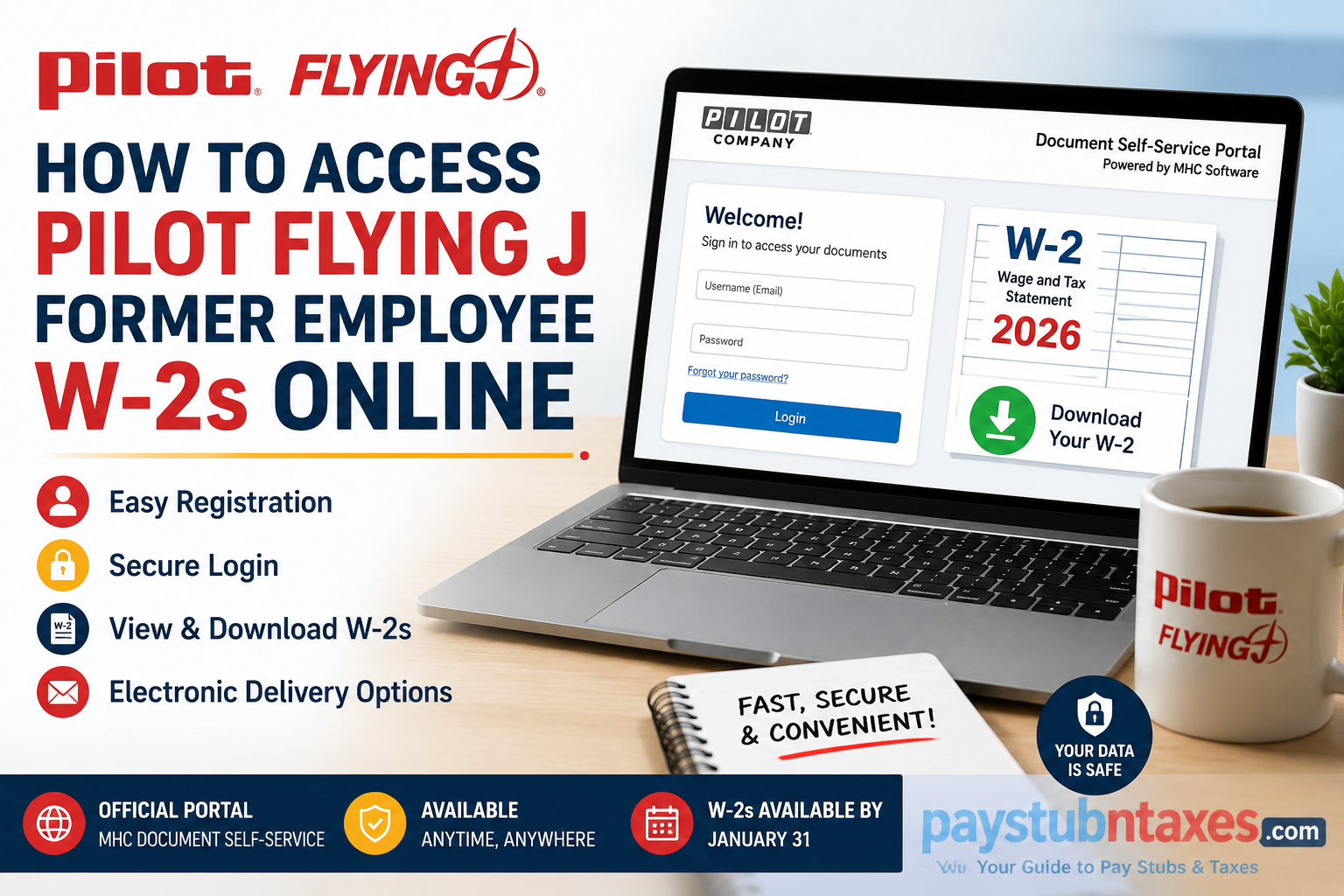
If you are a former employee of Pilot Flying J and need a copy of your W-2 tax form, the process is now easier than ever, thanks to the MHC Software Document Self-Service portal. Rather than waiting for a paper copy to arrive in the mail, eligible former team members can securely access, download, and print their W-2 forms online in just a few minutes. This comprehensive guide explains everything you need to know about accessing your Pilot Flying J former employee W-2 online, registering for the portal, authorizing electronic delivery, and troubleshooting common login issues.
About Pilot Flying J
Pilot Flying J, officially operating as Pilot Travel Centers LLC, is the largest operator of travel centers in North America, serving more than one million guests daily through hundreds of locations across the United States and Canada. Headquartered in Knoxville, Tennessee, the company operates under the Pilot, Flying J, ONE9 Fuel Network, and Mr. Fuel brands and employs more than 26,000 team members.
Can Former Employees Access Their Pilot Flying J W-2 Online?
Yes. Current and former U.S. team members can obtain their W-2 forms electronically through the MHC Software Document Self-Service Portal.
The portal allows eligible users to:
- View current and prior-year W-2 forms
- Download and print tax documents
- Update document delivery preferences
- Receive electronic notifications when documents become available
- Access forms from a computer, tablet, or mobile device
For individuals who choose not to receive electronic documents, paper W-2 forms are mailed no later than January 31 each year.
Pilot Flying J Former Employee W-2 Portal
Portal URL: https://edocs.pilotcompany.com/Auth/Login
Former employees who no longer have company credentials must create an MHC Software account before accessing their documents.
How to Register for the MHC Document Self-Service Portal
If this is your first time accessing the portal, follow these steps:
Step 1: Visit: https://edocs.pilotcompany.com/Auth/Login
Step 2: Click Register User.
Step 3: Complete the credential verification process by entering:
- Your full Social Security Number
- The security verification code
Step 4: Create:
- Email address (this becomes your username)
- Password
- Security questions
Step 5: Submit your information to activate your account.
Once registration is complete, you can immediately sign in and access your tax documents.
How to Log In to View Your W-2
Step 1: Open the MHC Document Self-Service Portal.
Step 2: Enter:
- Username (your registered email address)
- Password
Step 3: Click Login.
Step 4: From the dashboard, select: View My Documents → My ElecW2
Step 5: Choose the applicable tax year and download or print your W-2.
How to Enroll in Electronic W-2 Delivery
Pilot Flying J allows team members to opt into electronic tax document delivery.
Step 1: Log in to the MHC portal.
Step 2: Navigate to: My Delivery Settings → ElecW2
Step 3: Click: Click HERE to get authorized
Step 4: Select: Print Test. When asked if the document printed successfully, select: Yes
Step 5: Review the consent agreement and click: I Agree
Step 6: Enter your email address.
Step 7: Click: Submit
When the setup is complete, a green checkmark and the word Authorized will appear beside ElecW2.
How to Update Document Delivery Preferences
Pilot Flying J offers two delivery options:
Option 1: Electronic Delivery
Your W-2 is stored in the MHC portal and can be:
- Downloaded
- Printed
- Accessed anytime online
Option 2: Paper Delivery
Your W-2 is mailed to your home address by January 31.
When Will Pilot Flying J W-2 Forms Be Available?
2026 W-2 forms for current and former U.S. team members will be available electronically no later than: January 31, 2027
Employees who opted out of electronic delivery will receive their paper W-2 by mail no later than the same date.
Forgot Your Password?
If you cannot remember your password:
- Go to the login page.
- Click Forgot your password?
- Enter your registered email address.
- Follow the instructions sent to your email to reset your password.
What If You Cannot Access Your Account?
You may experience login problems because:
- Your email address changed.
- You forgot your password.
- Your registration was never completed.
- Your Social Security information does not match company records.
- Your account has been locked after multiple login attempts.
How to Get Help
If you need assistance obtaining your W-2, contact:
Technology Solution Center
📞 Phone: 865-474-HELP (4357)
📧 Email: Payroll.Help@pilotcompany.com
The support team can assist with:
- Registration issues
- Password resets
- Electronic delivery settings
- Accessing prior-year tax forms
- General payroll questions
Final Thoughts
Tax season can be stressful, but Pilot Flying J has streamlined the process by providing former employees with secure online access to their W-2 forms through the MHC Software Document Self-Service Portal. By registering once and authorizing electronic delivery, you can access your tax documents whenever you need them without waiting for postal delivery. Whether you need your W-2 for filing taxes, applying for a mortgage, or verifying income, the online portal provides a fast, secure, and convenient solution for former Pilot Flying J team members.
Frequently Asked Questions
1. How do former employees get their Pilot Flying J W-2 online?
Former employees can access their W-2 by logging into the MHC Software Document Self-Service Portal using their registered email and password.
2. What website is used to access Pilot Flying J W-2 forms?
The official portal is: https://edocs.pilotcompany.com/Auth/Login.
3. Do I need to register before accessing my W-2?
Yes. First-time users must click Register User and create an MHC account.
4. What information is required for registration?
You will need:
- Your Social Security Number
- A valid email address
- A password and security questions.
5. When will Pilot Flying J W-2 forms become available?
Electronic W-2 forms are generally available no later than January 31 each year.
6. Can I download and print my W-2?
Yes. The portal allows you to download, save, and print your W-2.
7. What happens if I opted out of electronic delivery?
A paper W-2 will be mailed to your address on file by January 31.
8. Can I access previous years’ W-2 forms?
In many cases, prior-year tax forms remain available within the portal.
9. What should I do if I forgot my password?
Click Forgot your password? on the login page and follow the reset instructions.
10. Can I use my mobile phone to access my W-2?
Yes. The MHC portal is mobile-friendly and can be accessed from smartphones and tablets.
11. Is there a fee to access my W-2 online?
No. Accessing and downloading your W-2 is completely free.
12. Can I receive email notifications when my W-2 is available?
Yes. You can authorize electronic notifications in the portal’s delivery settings.
13. What if my account becomes locked?
Contact the Technology Solution Center for assistance with unlocking your account.
14. Who should I contact if I cannot access my W-2?
Contact the Technology Solution Center at 865-474-4357 (HELP) or email Payroll.Help@pilotcompany.com.
15. Can I still get my W-2 if I no longer work for Pilot Flying J?
Yes. Former employees can continue accessing their W-2 forms online through the MHC Software Document Self-Service Portal after registering for an account.
