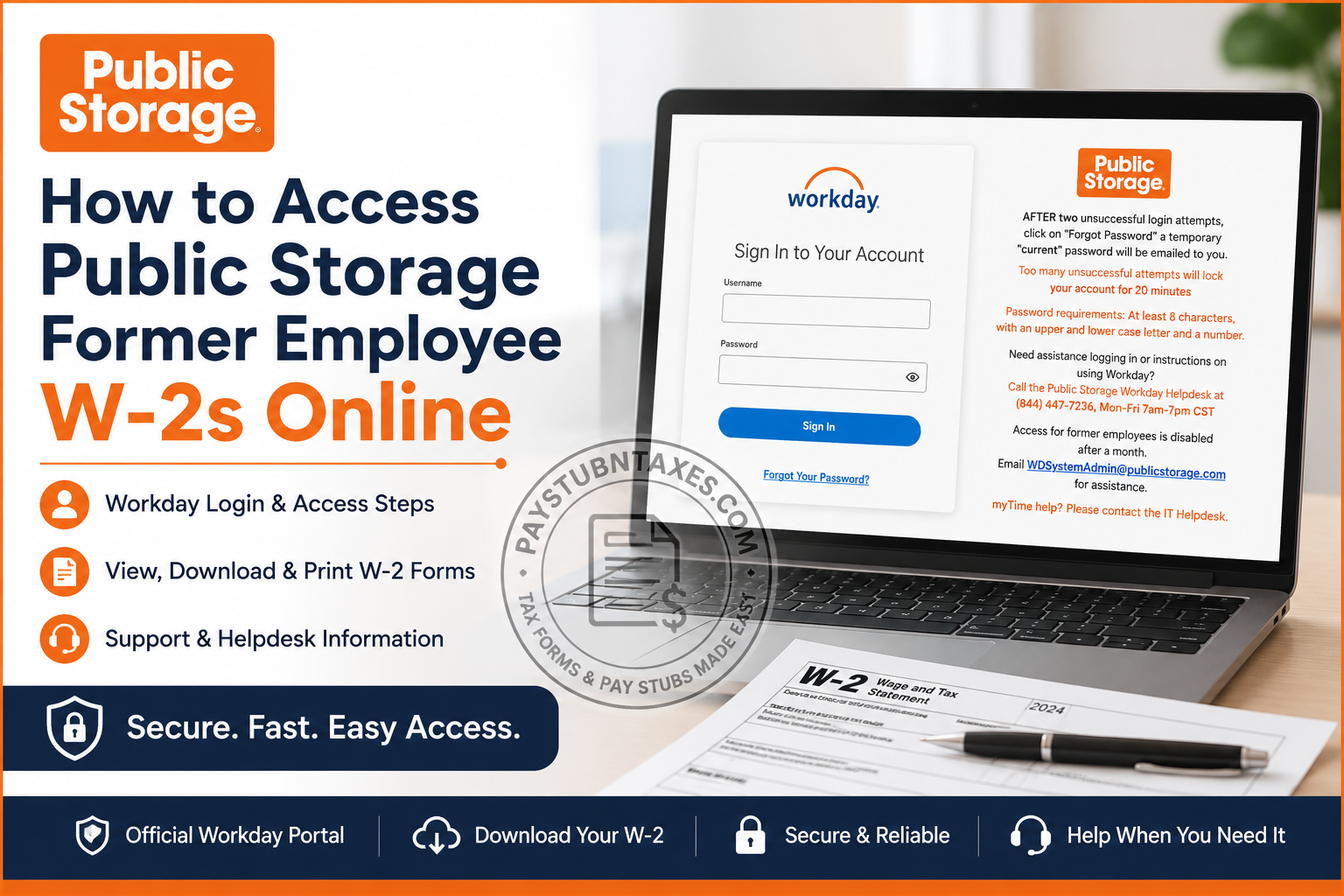
If you previously worked for Public Storage and are now wondering how to retrieve your W-2 form for tax filing purposes, you are certainly not alone. Every year, thousands of former employees need access to their tax documents long after their employment has ended. Fortunately, Public Storage provides several avenues for obtaining your W-2, whether you still have access to Workday or need assistance from the company’s support team. This comprehensive guide explains everything you need to know about accessing your Public Storage former employee W-2 online, recovering your account, and requesting assistance if your online access has expired.
About Public Storage
Founded in 1972, Public Storage has grown into the largest self-storage company in the United States, operating thousands of storage facilities nationwide and employing more than 5,900 team members. The company is widely recognized for its iconic orange branding and its commitment to creating an inclusive and supportive workplace culture.
To manage payroll, tax documents, benefits, and employee information, Public Storage utilizes the Workday Human Capital Management (HCM) platform.
Can Former Employees Access Public Storage W-2 Forms Online?
Yes—but only for a limited period.
Former employees generally retain Workday access for approximately:
- 8 weeks (about two months) after separation from employment.
If your W-2 becomes available during this timeframe, you can log into Workday and download it electronically. Once access expires, your online account is disabled, and your W-2 is generally mailed to the address on file.
Public Storage Workday Login Portal
Workday Login URL:
https://wd5.myworkday.com/publicstorage/login.flex
Current and recently separated employees can use this portal to access:
- W-2 tax forms
- Pay stubs
- Benefits information
- Direct deposit details
- Personal information updates
- Timesheets and payroll records
- Internal employment documents
How to Access Your Public Storage W-2 Online
If your Workday account is still active, follow these steps:
Step 1: Sign in to Workday
Visit: https://wd5.myworkday.com/publicstorage/login.flex
Enter:
- Username
- Password
Step 2: Open the Pay Dashboard
After signing in:
- Click Pay from your Workday homepage.
- Select My Tax Documents.
This is where all available tax forms are stored.
Step 3: Locate Your W-2
Under My Tax Documents, you’ll find:
- Tax Year
- Form Type
- Issue Date
- Employee Copy
Click: View/Print to open your W-2.
Step 4: Download or Print Your W-2
After opening the document:
- Click the Download icon to save a PDF copy.
- Click the Printer icon to print the form immediately.
You may also use the Accessible Form option if needed.
What If You Forgot Your Workday Password?
Public Storage has an automated password recovery process.
After two unsuccessful login attempts:
- Click Forgot Password.
- A temporary password will be sent to your email address.
Password Requirements
Your password must include:
- At least 8 characters
- One uppercase letter
- One lowercase letter
- One number
Account Locked?
Too many unsuccessful login attempts will lock your account for 20 minutes
Simply wait for the lockout period to expire or contact the Workday Helpdesk.
What Happens If Your Workday Access Has Expired?
After your former employee access window ends, your online account is disabled.
In this situation, your W-2 will typically be mailed to the home address that was on file with Public Storage.
If you have changed addresses, you should contact Public Storage immediately to ensure your tax documents are delivered correctly.
Public Storage Former Employee Support Information
Workday Helpdesk
Phone: (844) 447-7236
Hours: Monday-Friday, 7:00 AM-7:00 PM CST
Email Support
Email: WDSystemAdmin@publicstorage.com
myTime Assistance
For myTime issues, contact the IT Helpdesk.
How to Update Your Mailing Address
If you no longer have Workday access and your mailing address has changed:
- Contact the Workday Helpdesk.
- Email the Workday Administrator.
- Verify your identity.
- Request an address update before W-2 mailing deadlines.
Acting promptly can save you considerable inconvenience and prevent unnecessary delays during tax season.
When Are Public Storage W-2 Forms Available?
Most employers issue W-2 forms by January 31 of each year.
Employees who elected electronic delivery often receive their forms earlier, while paper copies are generally mailed by the end of January in compliance with IRS regulations.
How to Get a Duplicate W-2
If you misplaced your original W-2, you can:
Option 1: Download another copy from Workday if your account remains active.
Option 2: Contact:
- Workday Helpdesk
- WDSystemAdmin@publicstorage.com
Option 3: Request a replacement copy by mail.
Troubleshooting Public Storage W-2 Access
I forgot my username.
Contact the Workday Helpdesk for identity verification and account recovery.
I cannot receive password reset emails.
Check your spam folder and ensure your personal email address on file is still active.
My account is disabled.
Former employee access may have expired. Contact Public Storage support.
My W-2 never arrived.
Verify your mailing address and request a duplicate copy.
My W-2 contains errors.
Contact Human Resources immediately to request a corrected Form W-2C.
Why Public Storage Uses Workday
Workday centralizes nearly every aspect of employee administration, allowing workers to:
- Access payroll records
- Download tax forms
- Manage benefits
- Update personal information
- Track employment data
- Review compensation history
This streamlined system simplifies administrative tasks and provides employees with secure, self-service access to their records.
Final Thoughts
Obtaining your Public Storage former employee W-2 is generally a straightforward process, provided your Workday account remains active. Former employees usually retain online access for approximately eight weeks after separation, giving ample opportunity to download tax documents electronically. If your access has already expired, don’t panic. Public Storage typically mails W-2 forms to your last recorded address, and the company’s Workday support team remains available to assist with account recovery, address changes, and duplicate requests. When tax season arrives, a little preparation goes a long way. Download your W-2 early, save a digital copy, and keep your contact information current to avoid unnecessary headaches down the road.
Frequently Asked Questions
1. How do I access my Public Storage W-2 online?
Log into the Public Storage Workday portal, go to Pay, select My Tax Documents, and download your W-2.
2. What is the Public Storage Workday login URL?
The official login page is: https://wd5.myworkday.com/publicstorage/login.flex
3. How long can former employees access Workday?
Former employees generally retain access for approximately 8 weeks after separation.
4. Where can I find my W-2 in Workday?
Your W-2 is located under Pay > My Tax Documents.
5. Can I print my W-2 from Workday?
Yes. Open your W-2 and click the printer icon to print it.
6. Can I download a PDF copy of my W-2?
Yes. Click the download icon to save a PDF version of your W-2.
7. What should I do if I forgot my Workday password?
After two unsuccessful login attempts, click Forgot Password to receive a temporary password via email.
8. Why is my Workday account locked?
Too many unsuccessful login attempts will lock your account for 20 minutes.
9. What are the Workday password requirements?
Passwords must contain:
- At least 8 characters
- One uppercase letter
- One lowercase letter
- One number
10. What if my Workday access has expired?
Your W-2 will usually be mailed to the home address on file with Public Storage.
11. How do I request a duplicate W-2?
Contact the Public Storage Workday Helpdesk or email the Workday Administrator for assistance.
12. What if my mailing address has changed?
Contact Public Storage immediately to update your address and request another copy if necessary.
13. When are Public Storage W-2 forms available?
W-2 forms are generally issued by January 31 each year.
14. Who do I contact for Workday support?
Call (844) 447-7236, Monday through Friday, from 7:00 AM to 7:00 PM CST.
15. What email should former employees use for assistance?
Former employees can email WDSystemAdmin@publicstorage.com for Workday and W-2 assistance.
