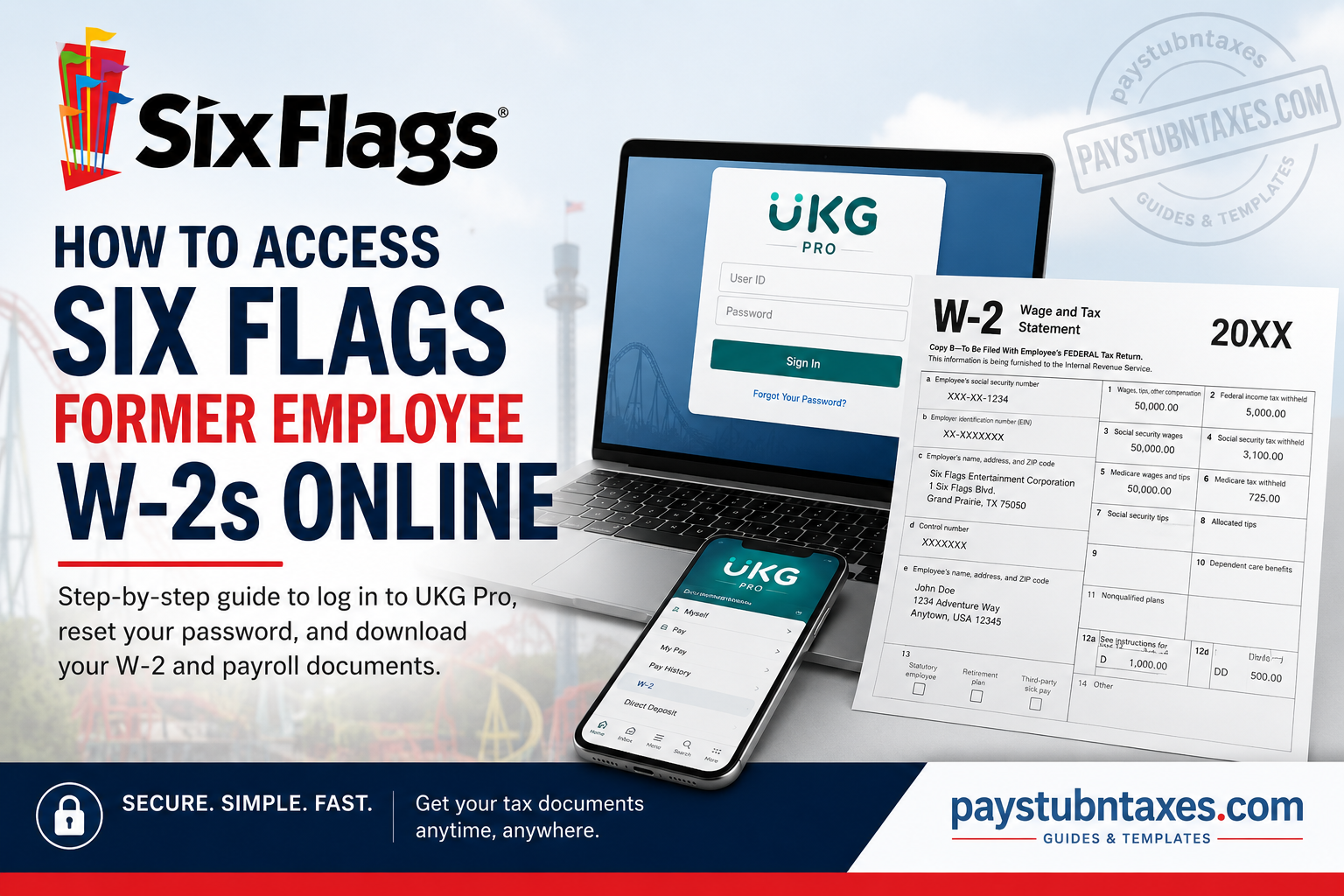
Former employees of Six Flags Entertainment Corporation can conveniently retrieve their W-2 forms, pay stubs, tax documents, and payroll records online through the UKG Pro (formerly UltiPro) self-service portal. Even after termination, employee access generally remains active for a limited period, allowing separated team members to securely download important tax and payroll information without contacting Human Resources directly. As one of North America’s largest amusement park operators, Six Flags employs tens of thousands of seasonal and full-time workers across its parks, resorts, and corporate offices. Following the merger between Cedar Fair and the former Six Flags company in July 2024, the organization continued using UKG Pro as a centralized employee payroll and HR platform for many locations.
What Is the Six Flags UKG Pro Portal?
UKG Pro, previously known as UltiPro, is Six Flags’ online employee self-service system that enables current and former employees to:
- Access W-2 wage and tax statements
- View and print pay stubs
- Update direct deposit information
- Modify tax withholding details
- Change phone numbers, addresses, and email information
- Review payroll history and year-to-date earnings
- Manage personal account settings and security preferences
The platform remains one of the fastest and most secure ways to retrieve employment-related tax documents, especially during tax season.
Six Flags Former Employee W-2 Login Portal
Official UKG Pro Website
Login Credentials
Former employees must sign in using:
- User ID:
SIX + EID- Example:
SIX123456
- Example:
- Password: Your existing password
- Default Password (if first login):
- Your birthdate in
MMDDYYYYformat
- Your birthdate in
The company access code for the UKG Pro mobile application is:
- Company Access Code:
SixFlags- Both the “S” and “F” must be capitalized.
How to Access Your Six Flags W-2 Online
Follow these steps carefully to retrieve your W-2 form:
Step 1: Visit the UKG Pro Login Page
Go to: Six Flags UKG Pro Login
Step 2: Enter Your Login Credentials
Input your:
- User ID (
SIX + EID) - Password
Step 3: Complete Two-Factor Authentication
For security purposes, UKG Pro may require:
- Security questions
- Verification codes
- 2FA authentication
Employees may also select:
- “Do not require additional 2FA for the next 7 days.”
Step 4: Navigate to Your W-2
Once logged in: Myself → Pay → W-2
Select the desired tax year and download or print the form.
How to Reset Your Six Flags UKG Password
If you cannot access your account:
- Open the login page
- Click “Forgot Your Password?”
- Verify your username
- Follow the reset instructions
Important:
- Password resets must typically be completed through a desktop browser rather than the mobile app.
- Your updated password must satisfy UKG security requirements.
How to Access Six Flags W-2s on Mobile
Former employees may also retrieve W-2s using the UKG Pro mobile application.
Mobile Setup Instructions
Step 1: Install the UKG Pro App
Download:
- Apple App Store
- Google Play Store
Step 2: Enter Company Access Code
Use:
SixFlags
Step 3: Log In
Enter:
- Your User ID (
SIX + EID) - Your password
After logging in, navigate to:
- Myself → Pay → W-2
What If You Cannot Access Your W-2?
If your account has expired or your credentials no longer work, try the following:
Contact Your Former Six Flags Location
Reach out to:
- Human Resources
- Payroll Department
- Employee Services
You may need:
- Employee ID (EID)
- Last known address
- Social Security Number verification
- Date of birth
Check Your Mailing Address
If you did not opt into electronic delivery, your paper W-2 may have been mailed to your last address on file before January 31.
Information Available Through UKG Pro
Besides W-2 forms, the portal also allows former employees to access:
- Historical pay stubs
- Payroll summaries
- Direct deposit records
- Tax withholding forms
- W-4 information
- Year-to-date earnings
- Personal contact information
- Employment records
Common UKG Pro Login Problems and Fixes
| Problem | Solution |
| Forgot password | Use “Forgot Your Password?” |
| Locked account | Wait and retry or contact HR |
| Invalid User ID | Ensure format is SIX + EID |
| 2FA issues | Use desktop login first |
| Mobile app not working | Reset password via browser |
| Missing W-2 | Wait until January availability or contact payroll |
Why Former Employees Prefer Online W-2 Access
Using UKG Pro offers several advantages:
- Immediate access to tax documents
- Faster than mailed paper copies
- Secure digital storage
- Easy printing and downloading
- Mobile accessibility
- Reduced risk of lost documents
For seasonal amusement park employees, especially those working across multiple Six Flags locations, centralized payroll access substantially simplifies tax preparation.
Final Thoughts
Accessing your Six Flags former employee W-2 online is a relatively straightforward process through the UKG Pro self-service portal. Provided your account remains active, you can securely retrieve tax forms, payroll history, and employment records in just a few minutes using either a desktop browser or the UKG Pro mobile application.
If login difficulties arise, promptly contacting your former park’s payroll or HR department is the most effective solution, particularly during peak tax season when W-2 requests increase significantly.
Frequently Asked Questions (FAQs)
1. How do former Six Flags employees get their W-2 online?
Former employees can access W-2 forms through the UKG Pro portal at sixflags.ultipro.com.
2. What is the Six Flags UKG Pro login website?
The official login page is: https://sixflags.ultipro.com
3. What is the default Six Flags UKG password?
The default password is usually your birthdate in MMDDYYYY format.
4. What is the Six Flags company access code for UKG Pro?
The access code is:SixFlags
5. How do I find my Six Flags User ID?
Your User ID is: SIX + EID
Example: SIX123456
6. Can terminated employees still access UKG Pro?
Yes. Access generally remains active for a limited time after separation.
7. Where can I view my W-2 after login?
Navigate to: Myself → Pay → W-2
8. Can I access my W-2 on my phone?
Yes, through the UKG Pro mobile app.
9. Why is my UKG account locked?
Too many failed login attempts may temporarily lock your account.
10. What should I do if I forgot my password?
Use the “Forgot Your Password?” link on the login page.
11. Does Six Flags mail paper W-2 forms?
Yes, if you did not consent to electronic delivery.
12. Can I print old pay stubs from UKG Pro?
Yes. Historical payroll records are available in the portal.
13. Is the UKG Pro app free?
Yes, the app is free on both Android and iPhone.
14. Do I need two-factor authentication?
Yes, UKG Pro may require 2FA for account security.
15. Who should I contact if I cannot retrieve my W-2?
Contact your former Six Flags park HR or payroll department.
