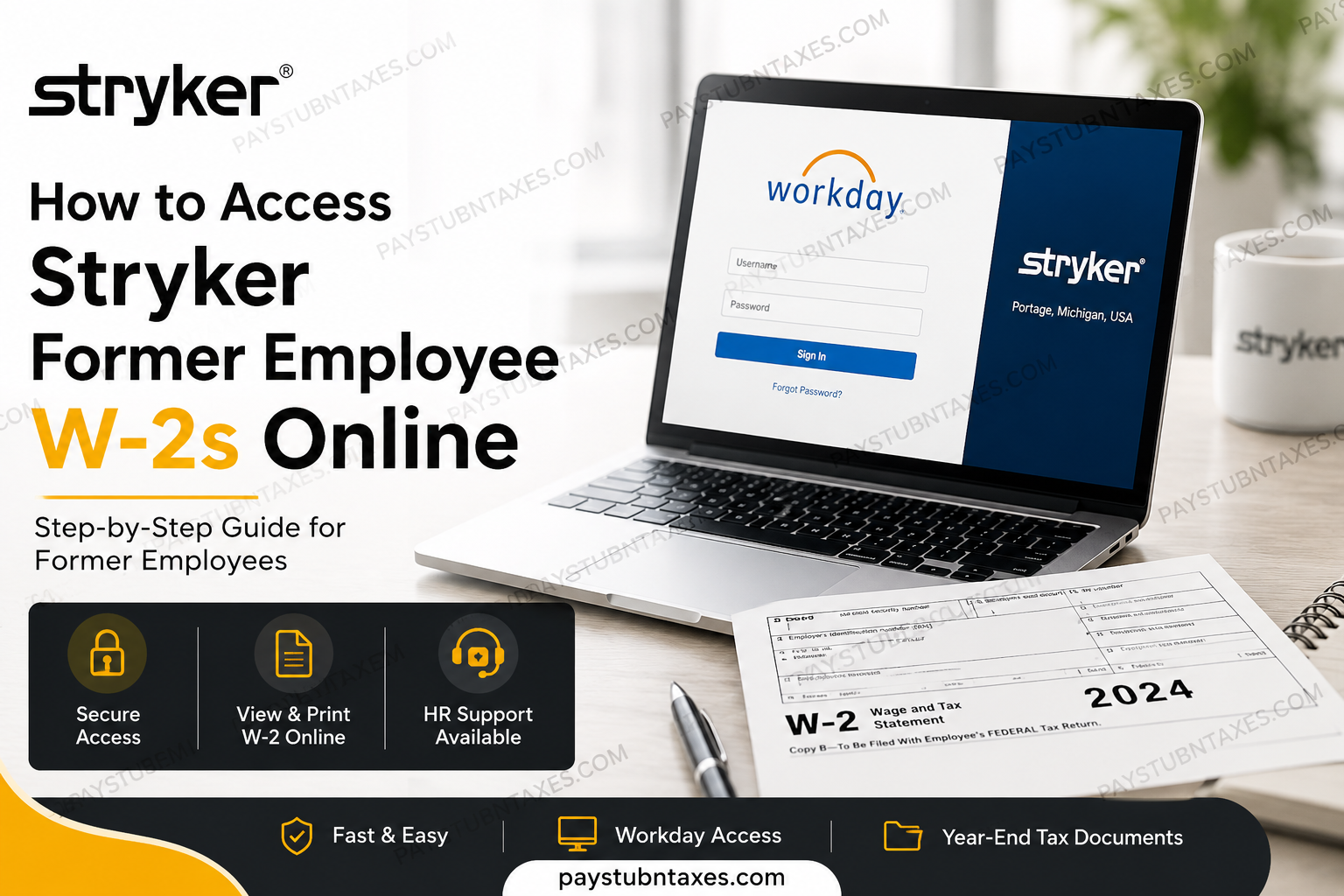
Former employees of Stryker Corporation may still access their year-end tax documents electronically for a limited period following separation from the company. If you previously consented to electronic delivery, your W-2 form can typically be retrieved through the Workday self-service portal using the temporary credentials issued during the offboarding process. As one of the world’s foremost medical technology organizations, Stryker maintains a secure and streamlined digital payroll infrastructure that enables former team members to conveniently obtain tax records without waiting for paper delivery. Nevertheless, employees who did not enroll in electronic delivery should expect their W-2 forms to be mailed on or before January 31 of the following tax year.
About Stryker Corporation
Stryker Corporation is a globally recognized medical technologies company specializing in orthopaedics, neurotechnology, surgical systems, emergency medical equipment, and patient care solutions. Founded in 1941 and headquartered in Portage, Michigan, Stryker serves healthcare providers across more than 75 countries and impacts approximately 150 million patients annually.
The company has earned a distinguished reputation for innovation, operational excellence, and workplace culture, consistently ranking among the World’s Best Workplaces.
Can Former Employees Access Their Stryker W-2 Online?
Yes. Former Stryker employees who opted for electronic tax document delivery may continue accessing their W-2 statements online through Workday for a limited post-employment period. During offboarding, eligible employees are generally provided temporary Workday login credentials to facilitate continued access to payroll and tax information.
Employees who did not elect paperless delivery will typically receive their W-2 by mail no later than January 31.
Stryker Former Employee Workday Login
Former employees may access the Workday portal using the following link:
Use your assigned Workday username and password to sign in. If this is your first login after separation from the company, you may need to use the temporary password that was sent to your personal email address during the offboarding process.
How to Access Your Stryker Former Employee W-2 Online
Follow the instructions below to locate and download your year-end tax documents through Workday:
Step 1: Sign in to Workday
Visit the Stryker Workday login portal and enter your credentials.
Step 2: Open the Navigation Menu
After logging in, click the Menu icon located in the upper-left section of the dashboard. This icon is typically represented by three horizontal lines, commonly referred to as the “hamburger” menu.
Step 3: Navigate to the Pay Application
Within the applications menu, select the Pay app to access payroll-related services and historical compensation information.
Step 4: Select “My Tax Documents”
Under the “View” section, click My Tax Documents to open your available tax forms and payroll statements.
Step 5: View or Print Your W-2
Locate the appropriate tax year and select View/Print to download or print your W-2 form for filing purposes.
What If You Cannot Access Workday?
If you are unable to log in, forgot your password, or your temporary access has expired, contact Stryker Human Resources for assistance.
Stryker HR Support
- Website: Stryker myHR Portal
- Phone Number: 877-795-2002
Support representatives can assist with password resets, access issues, payroll inquiries, and mailing concerns related to your W-2.
Important Information for Former Employees
After leaving Stryker, it is essential to ensure that your mailing address remains current. Former employees are encouraged to notify Human Resources of any address changes so that important tax documents and benefit communications can be delivered correctly.
Additionally, because Workday access for separated employees is temporary, it is strongly recommended that you download and securely store copies of all important payroll and tax documents before your access period expires.
Common Reasons You May Need Your Stryker W-2
Former employees often require their W-2 forms for several purposes, including:
- Filing federal and state income taxes
- Applying for mortgages or loans
- Employment verification
- Financial aid applications
- Immigration and visa documentation
- Income verification for government benefits
Retrieving your W-2 electronically through Workday is generally faster and more secure than waiting for replacement paper copies.
Final Thoughts
Stryker provides former employees with a convenient and secure method for accessing W-2 forms online through Workday. By utilizing the temporary credentials distributed during offboarding, eligible individuals can retrieve, download, and print tax documents efficiently from virtually anywhere. Because access availability may be limited after separation, former employees should obtain copies of all essential payroll and tax records as early as possible. In cases involving login difficulties or expired credentials, Stryker’s HR support team remains available to assist.
Frequently Asked Questions
1. How can former employees access their Stryker W-2 online?
Former Stryker employees can log in to the Workday portal using temporary offboarding credentials and retrieve their W-2 under the Pay section.
2. What is the official Stryker Workday login link?
The official portal is: https://www.myworkday.com/wday/authgwy/stryker/login.htmld?redirect=n.
3. When are Stryker W-2 forms mailed?
Paper W-2 forms are typically mailed on or before January 31 of the following tax year.
4. Can I still access Workday after leaving Stryker?
Yes. Former employees usually receive temporary access to Workday for a limited period after separation.
5. What should I do if I forgot my Workday password?
Use the password recovery option on the Workday login page or contact Stryker HR support.
6. Where can I find my W-2 in Workday?
Navigate to Menu > Pay > My Tax Documents > View/Print.
7. Do I need electronic consent to access my W-2 online?
Yes. Electronic access is generally available only to employees who previously opted into paperless delivery.
8. What happens if my Workday access expires?
You should contact Stryker Human Resources for assistance retrieving your tax documents.
9. How do I contact Stryker HR support?
You can visit myhr.stryker.com or call 877-795-2002.
10. Can I print my Stryker W-2 directly from Workday?
Yes. Workday allows users to download and print PDF copies of tax forms.
11. Why is my W-2 unavailable in Workday?
Possible reasons include expired access, incomplete electronic consent, or system maintenance.
12. Can I access older W-2 forms through Workday?
In many cases, prior-year tax documents remain available during your temporary access period.
13. Is the Stryker Workday portal secure?
Yes. Workday uses secure authentication and encrypted access protocols to protect employee information.
14. What should I do if my mailing address has changed after leaving Stryker?
Notify Stryker HR immediately to ensure proper delivery of tax forms and benefits communications.
15. Can I use my W-2 for employment or income verification?
Yes. Your W-2 can be used for tax filing, mortgage applications, visa processing, and proof of income.
