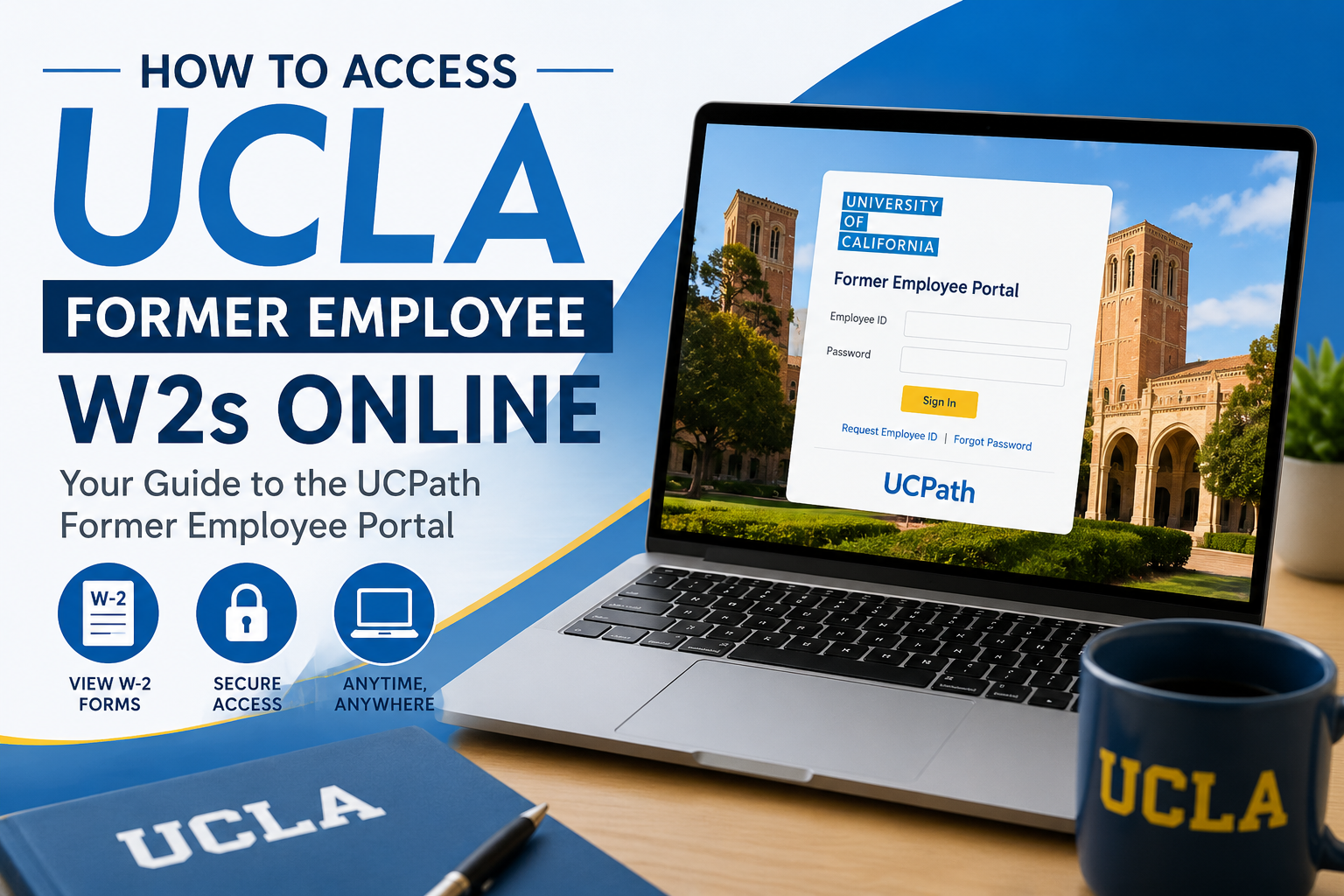
Former employees of the University of California, Los Angeles (UCLA) can conveniently access their W-2 forms online through the UCPath Former Employee Portal. This secure Oracle PeopleSoft self-service system allows separated employees to retrieve historical tax documents, earnings statements, and employment records without needing active UCLA credentials. Whether you recently left UCLA or separated within the last three years, the portal makes it easy to download your W-2 forms for tax filing, financial verification, or personal recordkeeping.
UCLA Former Employee W2 Portal
Former UCLA employees can access their W-2s through the official UCPath Former Employee Portal:
Portal Link:
UCPath Former Employee Portal
The portal is powered by Oracle PeopleSoft and is specifically designed for former University of California employees.
Who Can Access UCLA Former Employee W2s?
You may access the UCPath Former Employee Portal if:
- You were previously employed by UCLA or another University of California campus
- Your payroll records were processed through UCPath
- You separated from employment within the past 36 months
- You completed your former employee account activation
Former employees can continue accessing W-2s, W-2c forms, pay statements, and 1095-C tax forms during this retention period.
How to Access UCLA Former Employee W2s Online
Step 1: Visit the UCPath Portal
Go to:
Select “University of California; Former Employees” from the identity provider list.
Step 2: Activate Your Former Employee Account
After your separation from UCLA, UCPath automatically sends an activation email to your personal email address within approximately 48 hours.
The activation email includes:
- A secure activation link
- Identity verification instructions
- Multi-factor authentication (MFA) setup
Important details:
- The activation link remains valid for 90 days
- Reminder emails are sent after 30 and 60 days if the account is not activated
- You must complete activation before the link expires
Step 3: Verify Your Identity
To secure your account, UCPath requires identity verification using:
- Date of birth (MMDDYYYY format)
- Multi-factor authentication (MFA)
- Verification through text message or phone call
Only U.S.-based phone numbers can be used for MFA authentication.
Step 4: Create Your Password
During first-time setup, you must create a secure password with:
- Minimum 12 characters
- At least one uppercase letter
- At least one lowercase letter
- At least one number
Special characters are optional but recommended.
Your UC Employee ID becomes your permanent username for future logins.
Step 5: Sign In to the Former Employee Portal
After activation, log in using:
- Employee ID
- Password
- MFA verification code
The Oracle PeopleSoft login page also provides options to:
- Request Employee ID
- Reset forgotten passwords
- Contact UCPath support
How to Download UCLA W2 Forms
Once logged into the portal:
- Select the Income and Taxes tile
- Click W-2/W-2C Forms
- Choose the desired tax year
- Open the Year End Form
- Click Download Attachment
- Save or print your W-2
The portal also allows you to access:
- Historical pay stubs
- Employment verification summaries
- 1095-C healthcare forms
- W-2 corrections (W-2c)
How to Reset Your UCPath Password
If you forgot your password:
- Select Forgot Password
- Enter your Employee ID
- Provide your personal email address
- Use the secure reset link sent to your email
- Complete MFA verification
- Create a new password
Important:
- Password reset links expire after one hour
- MFA verification is required for password resets
How to Recover Your Employee ID
If you forgot your Employee ID:
- Select Request Employee ID
- Enter your personal email address
- Verify your identity
- UCPath will email your Employee ID
Your Employee ID is different from your UCLA student or campus identification number.
Important UCLA Former Employee Portal Notes
Access Duration
Former employees retain portal access for up to 36 months after separation.
Keep Your Personal Email Updated
Before leaving UCLA, make sure your UCPath profile contains:
- Personal email address
- Personal phone number
This ensures uninterrupted access to activation and recovery emails.
International Users
Former employees outside the United States may need additional assistance because MFA only supports U.S.-based phone numbers.
UCPath Support Contact Information
If you experience login problems, expired activation links, or MFA issues, contact UCPath support:
- Phone: (855) 982-7284
- Hours: Monday–Friday, 8:00 AM–5:00 PM (PT)
- Email: ucpath@universityofcalifornia.edu
Frequently Asked Questions
Can former UCLA employees still access W-2s after leaving?
Yes. Former employees can access W-2s online through the UCPath Former Employee Portal for up to 36 months after separation.
What login credentials are required?
You must use your UC Employee ID and your personalized password.
Can I access old pay stubs too?
Yes. The portal provides access to paychecks, earnings statements, W-2 forms, W-2c forms, and 1095-C documents.
What if I never activated my account?
If your activation link expired, contact UCPath support to request a new activation email.
Can I use an international phone number for MFA?
No. The portal currently supports only U.S.-based phone numbers for MFA authentication.
What if I forgot my Employee ID?
Use the “Request Employee ID” option on the login page to retrieve it by email.
Are W-2 corrections available online?
Yes. W-2c corrected tax forms are available through the same portal.
Can I change my mailing address in the portal?
Yes. Former employees can update addresses and contact details from the Personal Information section.
Is the portal secure?
Yes. The UCPath Former Employee Portal uses Oracle PeopleSoft authentication with MFA security verification.
What if I separated more than three years ago?
You will likely lose portal access and must contact UCPath directly for document retrieval assistance.
