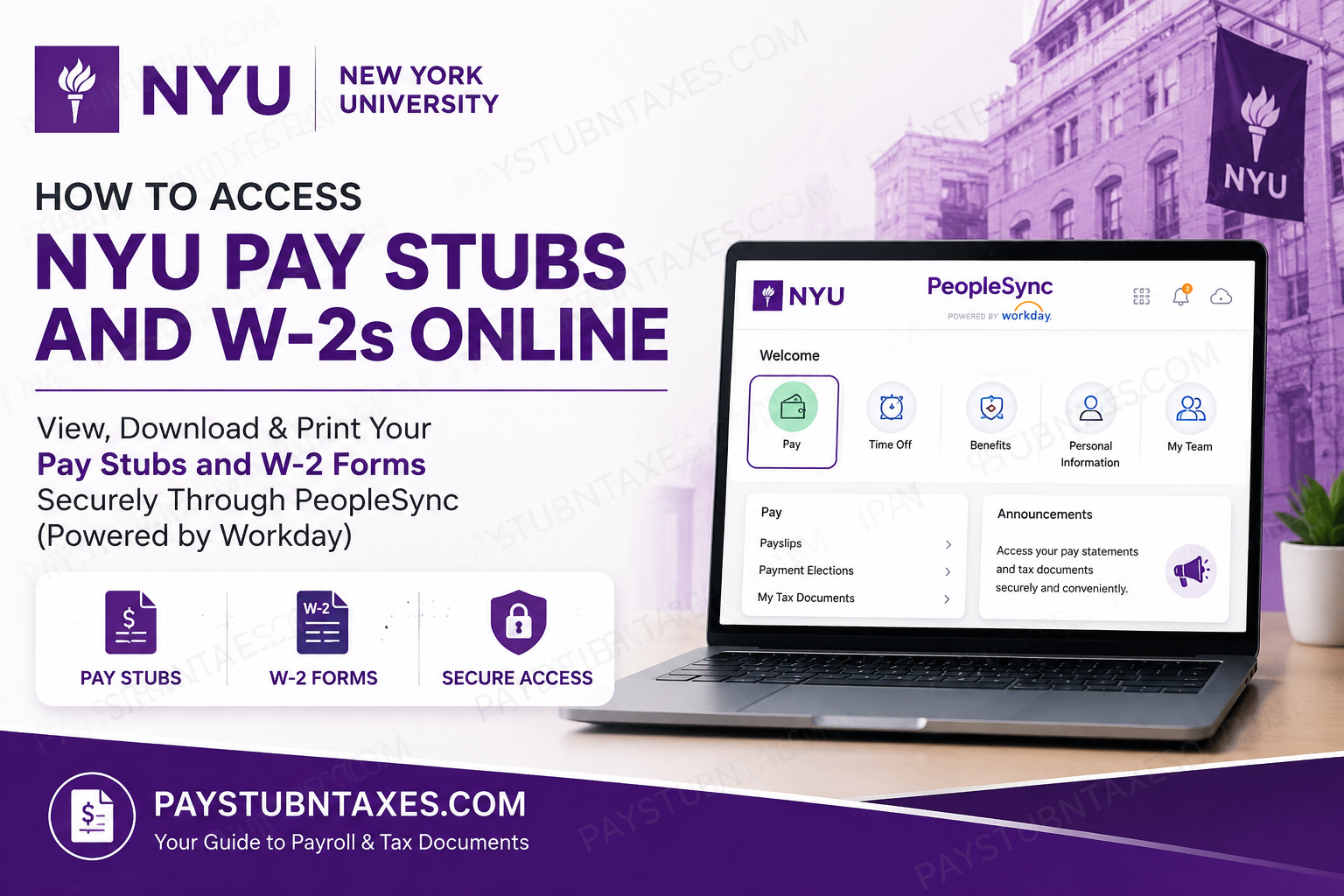
Managing your payroll and tax records has become considerably more convenient for New York University (NYU) employees thanks to PeopleSync, powered by Workday. Whether you need to download your latest pay stub, retrieve a previous year’s Form W-2, or switch to electronic tax documents, NYU’s secure self-service platform enables you to complete these tasks in just a few minutes. This comprehensive guide explains how current NYU employees can access their pay statements and W-2 forms online, troubleshoot common login issues, and obtain assistance whenever required.
About New York University
Founded in 1831, New York University (NYU) stands among the world’s leading private research universities and is a distinguished member of the Association of American Universities (AAU). With degree-granting campuses in New York, Abu Dhabi, and Shanghai, alongside numerous global academic centers spanning Europe, Asia, Africa, and South America, NYU has established itself as one of the most internationally connected universities in higher education.
The university offers exceptional programs across medicine, law, business, engineering, education, nursing, dentistry, public administration, social work, the arts, and numerous other disciplines. Renowned for its culture of innovation, interdisciplinary collaboration, and global engagement, NYU continues to attract distinguished scholars, researchers, and professionals from around the world.
For its workforce, NYU utilizes PeopleSync (Powered by Workday) as its primary Human Capital Management (HCM) platform for payroll, benefits administration, tax documents, time management, and employee self-service.
What is PeopleSync?
PeopleSync is NYU’s employee self-service portal built on the Workday platform. Through this secure application, employees can:
- View and download pay stubs
- Access current and previous W-2 forms
- Update direct deposit information
- Review tax withholding elections
- Manage personal information
- Update benefit elections
- Access payroll history
- Receive electronic tax documents
Because PeopleSync contains sensitive payroll and employment information, access is protected through NYU Login (Single Sign-On) together with NYU Multi-Factor Authentication (Duo MFA). Employees sign in using their NetID@nyu.edu credentials rather than a personal email address. The official NYU login service is hosted through Microsoft’s authentication platform and requires Duo verification before granting access.
NYU Workday (PeopleSync) Login Requirements
Before attempting to access your payroll information, ensure you have:
- Your NYU NetID
- Your NYU password
- Duo Mobile or another approved MFA device
- Internet connection
- Supported web browser
Workday Portal:
https://wd503.myworkday.com/nyu/login.flex
NYU Single Sign-On:
Employees should first authenticate through the NYU Login portal using their NetID@nyu.edu username and NYU password.
How to Access NYU Pay Stubs Online
Follow these steps to retrieve your electronic paycheck:
Step 1: Open the NYU Workday (PeopleSync) portal.
Step 2: Sign in using your:
- NetID@nyu.edu
- NYU password
- Duo Multi-Factor Authentication
Step 3: After logging in successfully, open the Pay application.
Step 4: Select Payslips.
Step 5: Choose the desired pay period.
Step 6: View, download, or print your paycheck as a PDF for your records.
How to Access Your NYU W-2 Online
NYU provides electronic W-2 forms through the PeopleSync portal.
Follow these instructions:
Step 1: Log into PeopleSync via the Work tab in NYUHome.
Step 2: Open the Pay application.
Step 3: Select My Tax Documents.
Step 4: Locate the tax year you need.
Step 5: Under Employee Copy, click View/Print.
Step 6: A processing message will appear while the PDF is generated.
Step 7: Once processing is complete, your W-2 opens automatically.
Step 8: Download, save, or print your electronic W-2 for tax filing purposes.
If you choose Notify Me Later, PeopleSync will notify you when your W-2 is ready, and it will also appear under My Reports if notifications are enabled.
How to Retrieve Your W-2 from My Reports
If your W-2 does not appear immediately:
- Click the cloud icon in the upper-right corner.
- Select My Reports.
- Locate your W-2 PDF.
- Open, save, or print the document.
Employees who enable notifications also receive an email once the report becomes available in My Reports.
How to Enroll in Electronic W-2 Delivery
Receiving your W-2 electronically provides faster access each tax season.
To enroll:
- Sign in to PeopleSync.
- Open Pay.
- Select My Tax Documents.
- Under Printing Elections, click Edit.
- Select Receive electronic copy of my Year End Tax Documents.
- Click OK to save your preference.
Once enrolled, you will receive an email notification when your electronic W-2 becomes available.
NYU Login Security Tips
NYU strongly recommends following these security practices:
- Always enter your username as NetID@nyu.edu.
- Never use your personal email address to sign in.
- Verify that the login page begins with login.microsoftonline.com before entering your credentials.
- Complete Duo Multi-Factor Authentication whenever prompted.
- Sign out after using shared or public computers.
- Never share your NetID or password with anyone.
These measures help safeguard sensitive payroll and personal information.
Troubleshooting Login Problems
If you’re unable to sign in:
- Confirm that you’re entering your full NetID@nyu.edu username.
- Reset your password if it has expired.
- Approve the Duo authentication request.
- Clear your browser cache.
- Try a different supported browser.
- Ensure you’re accessing the official NYU login page.
PeopleLink Support
If you experience payroll or tax document issues, contact PeopleLink.
- askpeoplelink@nyu.edu
- nyuad.peoplelink@nyu.edu
Phone
- 212-992-5465
- Internal ITS extension: 88888
Representatives can assist with:
- Pay stub access
- Missing W-2 forms
- Payroll questions
- Workday navigation
- Account access issues
- Tax document requests
Conclusion
NYU’s PeopleSync, powered by Workday, offers employees a secure, intuitive, and efficient way to manage payroll information, tax documents, and employment records from virtually anywhere. Whether you need to review your latest pay statement, download a W-2 for tax filing, or opt into paperless tax document delivery, the platform streamlines every step while maintaining rigorous security through NYU Single Sign-On and Duo Multi-Factor Authentication. By following the guidance outlined above, you can confidently access your payroll records whenever needed and rely on PeopleLink for prompt assistance should any questions arise.
Frequently Asked Questions
1. How do I access my NYU pay stubs online?
Log in to PeopleSync through NYU Login (Single Sign-On), open the Pay application, and select Payslips to view or download your pay statements.
2. Where can I find my NYU W-2 form?
Your W-2 is available in Pay → My Tax Documents within PeopleSync. Select View/Print to download your tax form.
3. What payroll system does New York University use?
NYU uses PeopleSync, powered by Workday, as its Human Capital Management (HCM) platform for payroll, HR, and employee self-service.
4. What credentials do I need to sign in?
You’ll need your NetID@nyu.edu, NYU password, and Duo Multi-Factor Authentication (MFA).
5. Can I access my pay stubs from home?
Yes. Employees can securely access PeopleSync from any internet-connected device after completing NYU Login and Duo verification.
6. Can I download my pay stubs as PDF files?
Yes. Every pay statement can be viewed, downloaded, and printed in PDF format.
7. How do I print my NYU W-2?
Open My Tax Documents, select the desired tax year, click View/Print, and print the generated PDF.
8. Can I receive my W-2 electronically?
Yes. You can enroll in electronic W-2 delivery by updating your Printing Elections in My Tax Documents.
9. What is NYU Login (Single Sign-On)?
NYU Login is the university’s secure authentication system that provides access to PeopleSync, NYU Email, NYUHome, Zoom, Drive, and other university services using one set of credentials.
10. Why is Duo Multi-Factor Authentication required?
Duo MFA provides an additional layer of security that protects employee payroll, tax, and personal information from unauthorized access.
11. What should I do if I forgot my NYU password?
Use NYU’s password recovery process through the official NYU Login page or contact the IT Service Desk for assistance.
12. Can former NYU employees access PeopleSync?
Former employees may have limited access depending on university policy. If you cannot sign in, contact PeopleLink for assistance obtaining payroll records or W-2 forms.
13. What should I do if my W-2 is not immediately available?
Wait for the document to finish processing or check My Reports later. If notifications are enabled, you’ll also receive an email when it is ready.
14. Who should I contact if I have payroll or tax document issues?
Contact PeopleLink by emailing askpeoplelink@nyu.edu, nyuad.peoplelink@nyu.edu, or calling 212-992-5465 (or internal ITS extension 88888).
15. Is the NYU Workday portal secure?
Yes. PeopleSync uses NYU Login (Single Sign-On), Microsoft’s secure authentication platform, and Duo Multi-Factor Authentication to protect employee accounts and payroll information.
