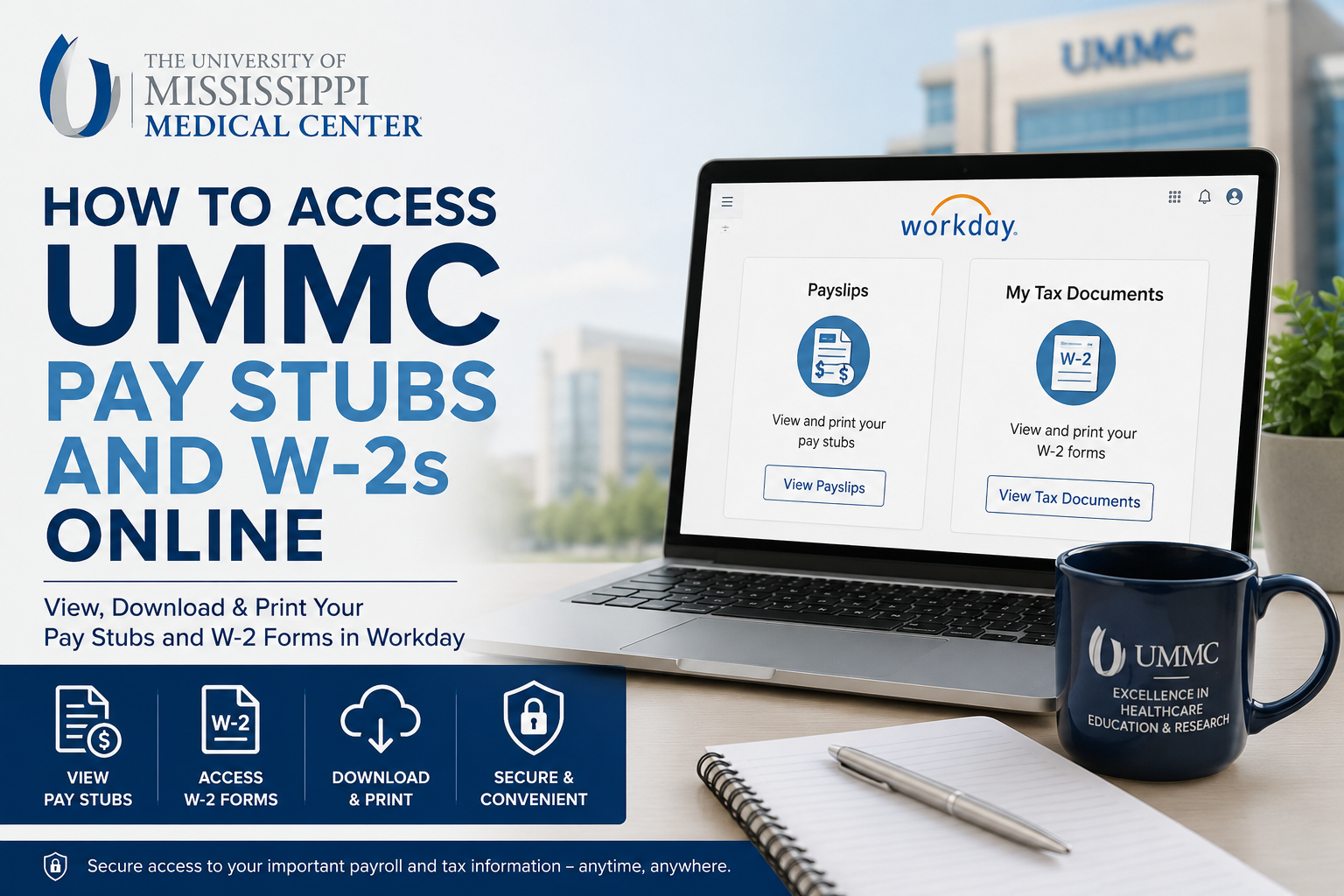
The University of Mississippi Medical Center (UMMC) is Mississippi’s only academic medical center and one of the state’s largest healthcare employers. With thousands of physicians, nurses, researchers, educators, and support staff working across its hospitals and clinics, UMMC provides employees with secure digital access to payroll and tax records through the Workday self-service portal. If you are a current employee of UMMC, you can conveniently view, download, and print your pay stubs and W-2 tax forms online using your Workday account. This guide explains the complete process step by step.
UMMC Workday Portal
UMMC employees can access payroll and tax documents through the official Workday portal:
The portal allows employees to:
- View current and previous pay stubs
- Download printable payslip PDFs
- Access annual W-2 tax forms
- Manage tax document delivery preferences
- Review direct deposit and payment information
- Access payroll-related records securely online
How to Access UMMS Pay Stubs Online
Follow these steps to view your UMMC payslips through Workday.
Step 1: Sign In to Workday
Visit the official UMMC Workday portal and log in using your employee credentials.
Employees accessing the portal from outside the UMMC network may need multi-factor authentication or secure login verification.
Step 2: Open the Pay Application
After signing in:
- Locate the Pay application from the Workday homepage
- Click the Pay icon to open payroll services
Inside the Pay dashboard, you will find several payroll-related options, including payslips, tax documents, and payment elections.
Step 3: Access Payslips
Under the View section:
- Select Payslips
- A complete list of available pay statements will appear
- Choose the specific pay period you want to review
The payslip screen typically displays:
- Gross earnings
- Net pay
- Federal and state tax withholdings
- Pre-tax deductions
- Benefits deductions
- Retirement contributions
- Payment method details
- Year-to-date payroll totals
Step 4: Download or Print Your Pay Stub
To save or print your payslip:
- Click View
- Open the PDF version of the pay statement
- Select the Download or Print icon
This allows employees to keep copies for:
- Income verification
- Apartment applications
- Loan applications
- Tax preparation
- Personal payroll records
How to Access UMMS W-2 Forms Online
UMMC employees can also retrieve annual W-2 tax forms through Workday.
Step 1: Log Into Workday
Go to the UMMC Workday portal and sign in with your employee credentials.
Step 2: Open the Pay Dashboard
From the homepage:
- Click the Pay application
- Navigate to My Tax Documents
This section stores electronic tax forms and payroll tax records.
Step 3: View Your W-2 Form
Inside My Tax Documents:
- Locate the desired tax year
- Click View/Print
- Open the W-2 PDF document
You can then:
- Download the form
- Print a physical copy
- Save it for tax filing purposes
Most employees receive notification once annual W-2 forms become available online.
How to Change W-2 Delivery Preferences
Workday also allows employees to manage paperless tax delivery preferences.
To update your W-2 election settings:
- Open My Tax Documents
- Locate Printing Elections
- Click Edit
- Select your preferred delivery option:
- Electronic copy only
- Both paper and electronic copies
- Save the changes
Choosing electronic delivery often provides faster access to annual tax forms.
Benefits of Using Workday for Payroll Access
The Workday employee self-service system offers several advantages for UMMC staff members.
24/7 Secure Access
Employees can access payroll documents anytime from a computer, tablet, or mobile device.
Faster W-2 Availability
Electronic W-2 delivery provides quicker access during tax season compared to mailed paper copies.
Paperless Convenience
Digital payroll management reduces paperwork and simplifies recordkeeping.
Centralized Payroll Information
Workday keeps all payroll records, tax forms, and payment details organized in one secure location.
Common Issues When Accessing UMMC Pay Stubs or W-2s
Forgot Password
Use the password recovery option on the Workday login page or contact UMMC IT support.
Missing Payslips
Recently processed payroll documents may require additional processing time before appearing in Workday.
W-2 Not Available Yet
Employers generally release W-2 forms by the end of January each year.
Browser Problems
If the portal does not load correctly:
- Clear browser cache
- Enable pop-ups
- Try another browser
- Use an updated browser version
UMMC HR Service Center Contact Information
Employees needing payroll or employment assistance may contact the UMMC HR Service Center.
HR Service Center
- Phone: (601) 984-1130
- Email: HRServiceCenter@umc.edu
- Business Hours: Monday–Friday, 7:00 AM – 5:00 PM
The HR Service Center assists employees with:
- Employment verification
- Payroll support
- Tax document assistance
- Employee onboarding services
- Benefits-related processing
Frequently Asked Questions (FAQ)
How do I access my UMMC pay stubs online?
Log into the UMMC Workday portal, open the Pay application, and select Payslips to view and print your pay statements.
Where can I download my UMMC W-2 form?
You can access W-2 forms under the My Tax Documents section within Workday.
Can I print my UMMC pay stub?
Yes. Workday allows employees to download and print PDF versions of payslips.
When are W-2 forms available?
Most W-2 forms become available electronically by the end of January.
Can I access payroll documents on my phone?
Yes. Workday supports mobile access for viewing payslips and tax forms.
What if I forgot my Workday password?
Use the password reset option on the login page or contact technical support.
Does UMMC offer paperless W-2 delivery?
Yes. Employees can choose electronic delivery preferences inside Workday.
What information appears on a payslip?
Payslips usually include earnings, taxes, deductions, benefits, and net pay information.
Is the Workday portal secure?
Yes. Workday uses secure authentication and encrypted access to protect employee payroll information.
Who should I contact for payroll support?
You can contact the UMMC HR Service Center for payroll and tax document assistance.
