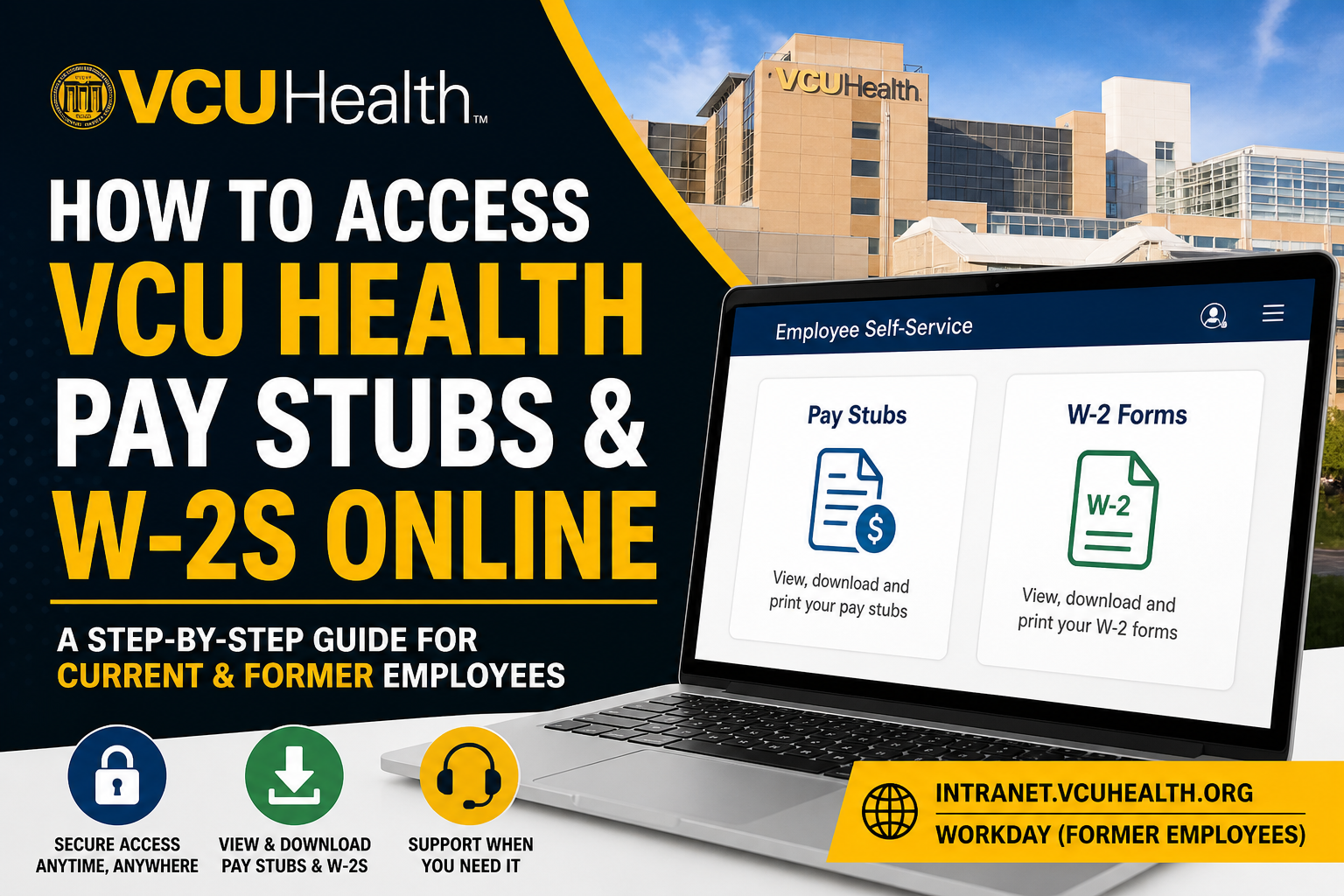
VCU Health is a leading academic medical center committed to excellence in patient care, innovation, and workforce development. With more than 12,500 dedicated professionals, the organization empowers its employees through advanced digital systems that ensure seamless access to payroll and tax documents. This comprehensive guide explains how current and former employees can securely access pay stubs and W-2 forms online, using VCU Health’s official platforms.
Accessing Pay Stubs for Current Employees
VCU Health provides a centralized Employee Self-Service (ESS) experience via its internal systems, allowing employees to conveniently view and manage payroll data.
Step-by-Step Guide (Intranet Portal)
- Visit the official intranet portal:
👉 https://intranet.vcuhealth.org/ - Log in using your employee credentials.
- Navigate to:
- Employee Self-Service
- Select Pay / Payroll Information
- Click on Pay Statements / Pay Stubs
- Choose the desired pay period.
- View, download, or print your pay stub.
What You Can Access
- Earnings breakdown
- Tax deductions
- Benefits and withholdings
- Payment history
According to the payroll workflow, pay statements typically include detailed financial components such as earnings, deductions, and benefits, and can be downloaded as PDF files for recordkeeping.
Accessing W-2 Forms for Current Employees
Your annual tax documents are also accessible online through internal payroll tools.
Steps to Access W-2 Forms
- Log into the VCU Health Intranet
- Navigate to the Pay section
- Select Tax Documents / W-2 Forms
- Choose the applicable tax year
- Download or print your W-2
📌 W-2 forms are typically stored under “My Tax Documents” within payroll systems, enabling easy access and printing.
HR4U-ServiceNow Portal (Support & Self-Service)
For additional HR-related queries, VCU Health offers the HR4U-ServiceNow portal:
👉 https://vcuhealth.service-now.com/hrsp/
Key Features
- 24/7 HR support
- Payroll and benefits guidance
- Employee health information
- Policy and compliance resources
This portal acts as a comprehensive knowledge hub, ensuring employees receive timely assistance regardless of schedule.
Access for Former Employees (Workday Portal)
Former VCU Health employees can still access payroll records and tax documents through the Workday platform.
Workday Login Link
👉 https://www.myworkday.com/wday/authgwy/vcuhealth/login.htmld?redirect=n
Steps for Former Employees
- Open the Workday login page
- Select Former Employee / Team Member login
- Enter your username (or personal email if required)
- Reset your password if necessary
- Access:
- Pay stubs
- W-2 forms
- Employment records
📌 Maintaining a personal email address in your profile is essential for continued access after leaving employment.
Additionally, the VCU Health employee resource page confirms that former employees must use Workday to retrieve W-2s and employment information.
Key Features of VCU Health Employee Payroll Systems
- ✅ Secure, encrypted access
- ✅ Available from home or workplace
- ✅ Real-time payroll updates
- ✅ Downloadable and printable documents
- ✅ Integration with HR services
These systems reflect VCU Health’s commitment to efficiency, transparency, and employee empowerment.
Troubleshooting & Support
If you experience login issues or cannot access your documents:
- Contact HR4U Support
- Reset your password via the login portal
- Ensure your personal email is updated
- Reach out to IT Help Desk if needed
Best Practices for Employees
- Regularly download and store pay stubs
- Verify tax information annually
- Keep login credentials secure
- Update personal contact details before leaving employment
Conclusion
Accessing your VCU Health pay stubs and W-2 forms online is a straightforward and secure process through the Intranet and Workday platforms. Whether you are a current or former employee, these systems ensure uninterrupted access to essential financial documents. By leveraging digital tools like HR4U-ServiceNow and Workday, VCU Health continues to support its workforce with convenience, transparency, and innovation.
Frequently Asked Questions (FAQs)
1. How do I access my VCU Health pay stubs online?
Log into the VCU Health intranet, go to Employee Self-Service, and select Pay Statements to view or download your pay stubs.
2. Where can I find my W-2 form at VCU Health?
Your W-2 is available in the Pay section under Tax Documents within the intranet or payroll system.
3. Can I access my pay stubs from home?
Yes, VCU Health systems allow secure access from both work and home devices.
4. What portal do former employees use to access W-2s?
Former employees must use the Workday portal to access W-2s and past pay records.
5. Do I need a personal email for Workday access after leaving VCU Health?
Yes, a personal email is essential for account recovery and continued access after employment ends.
6. What should I do if I forget my login credentials?
Use the “Forgot Password” option on the login page or contact HR4U support for assistance.
7. Can I download and print my pay stubs?
Yes, all pay stubs and W-2 forms can be downloaded as PDFs and printed.
8. When are pay stubs available online?
Pay stubs are typically available shortly after each payroll cycle is processed.
9. How long are W-2 forms available online?
W-2 forms are usually stored for multiple years within the system for easy access.
10. What is HR4U-ServiceNow used for?
HR4U is a self-service portal for HR support, payroll queries, benefits information, and employee assistance.
11. Is accessing payroll information online secure?
Yes, VCU Health uses secure, encrypted systems to protect employee data.
12. Can I update my personal information through the intranet?
Yes, employees can update details like name, address, and contact information via Employee Self-Service.
13. What if my W-2 is missing or incorrect?
Contact HR4U or payroll support immediately to request corrections or assistance.
14. Do I need special software to view pay stubs?
No, you only need a web browser and a PDF viewer to access and print documents.
15. Who should I contact for technical issues?
You can contact the IT Help Desk or HR4U support for login or system-related issues.
